DigCrew Players & Crews
Badges, leaderboards, hired drivers, and eight-player co-op habits.
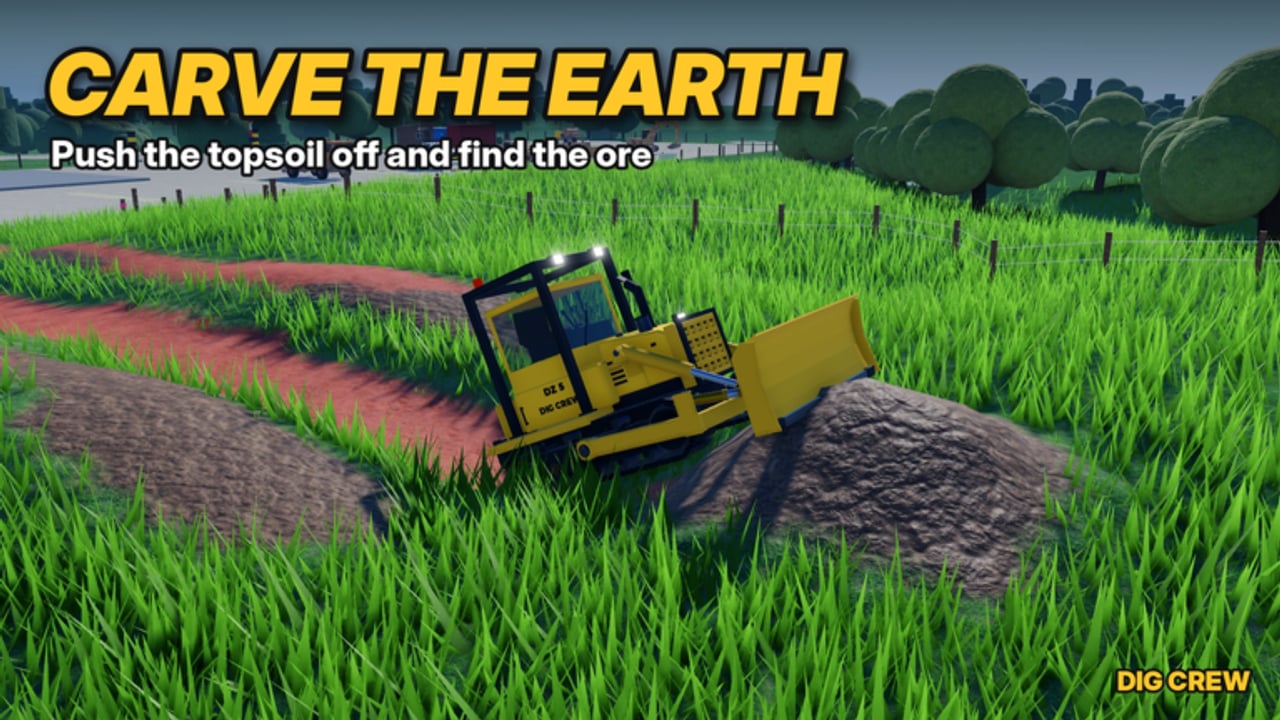
DigCrew is built for miners who like shared pits as much as solo grinding. Servers hold eight players, progress saves on your claim, and you can hire drivers to keep haul routes alive while you dig. This Players Hub covers the social and progression systems around that loop: badges that mark early milestones, weekly leaderboards that reward consistent output, co-op roles that stop eight people from blocking the same trench, and driver hiring tips that turn one excavator into a full logistics chain.
Use this page with Getting Started if you are still learning controls, and with make money once your crew needs a cash plan instead of random shopping.
DigCrew badges
Roblox tracks DigCrew badges on the official experience page. For the full deep dive on New Recruit, First Haul (~36.8% rarity), weekly boards, events, contracts, and rare finds, open Badges & Leaderboards. Two early badges matter for new miners:
New Recruit
New Recruit unlocks when you join DigCrew and secure your first claim in the valley. It is intentionally common. Treat it as confirmation that your plot exists and the tutorial loop has started. After New Recruit, focus on moving dirt instead of hunting rare cosmetics.
First Haul
First Haul unlocks when you sell your first truckload of ore at the Railyard ore buyer. This badge proves you completed the core DigCrew fantasy: dig real terrain, load a truck, and cash out. Many players stall between New Recruit and First Haul because they dig endless holes without a tip truck path to the buyer. Fix that with a clear haul lane and a short Getting Started refresh.
More badges may appear as YaBoiHyperion adds events and contracts. Check the Roblox badge list after major patches listed on the Updates Hub, then return to Badges & Leaderboards for progression etiquette on eight-player servers.
Weekly leaderboards
DigCrew advertises weekly leaderboards alongside events, contracts, and rare finds. Leaderboards reward consistent digging and hauling across the week, not a single lucky sale. Practical tips:
- Keep a reliable mid-game fleet online instead of parking everything for one mega purchase day.
- Use hired drivers so haul volume continues while you dig or process.
- Prefer leases you can actually work. An idle swamp plot does not beat an active valley face.
- Coordinate with friends on the same server so you are not fighting over the only wide road to the Railyard.
- Watch Swamp Update oil jacks if you are chasing passive volume—fueled pump jacks help when you cannot babysit every truck.
Leaderboard scoring details can shift with patches. Re-check in-game UI after updates rather than assuming last week’s metric still applies.
Eight-player co-op roles
A full DigCrew server is only eight players, which is small enough for voice or chat callouts and large enough for traffic jams. Assign roles early:
| Role | Focus | Why it helps |
|---|---|---|
| Lead digger | Excavator faces, bench heights | Keeps the pit productive without random cratering. |
| Haul captain | Tip trucks, Mega Haul, driver routes | Prevents full buckets with nowhere to go. |
| Processing tech | Crushers, wash plant, conveyors | Turns dirt into higher-value product. |
| Lease scout | Swamp dewatering, oil jacks, silver rippers | Opens ridge income without stranding the starter pit. |
| Road crew | Paver, roller, light towers | Keeps ridge access safe for road tyres. |
Rotate roles between sessions so everyone learns dig and haul. DigCrew feels best when the crew understands both ends of the Railyard loop.
Hiring drivers
Hired drivers are DigCrew’s intended automation layer. Instead of injecting scripts, draw haul routes and let NPC drivers move material while you operate excavators or place pump jacks. Best practices:
- Build a clear road from pit to Railyard or processing pad before hiring.
- Upgrade dump capacity so drivers are not making endless tiny trips.
- Keep fuel logistics in mind—oil jacks and machines that starve mid-route kill momentum.
- Avoid routing through fresh mud on swamp leases; dewater first and keep road tyres off soft ground.
- On co-op servers, agree who edits routes so two players do not overwrite each other.
Drivers will not replace good machine choices. Pair them with the tier list and machines guide so the trucks you staff are worth staffing.
Crew etiquette that saves friendships
- Do not bury a teammate’s haul lane under a new trench without warning.
- Call out when you open a swamp or oil lease so the group brings dewatering or fluids trucks.
- Share processing pads when possible instead of building three tiny crushers that block each other.
- Leave space for Mega Haul and Truck & Dog turning radii on late-game roads.
- Celebrate First Haul for new recruits; teaching the Railyard path grows the whole server.
Related DigCrew pages
- Badges & Leaderboards for badge rarity, weekly boards, and events
- Guides Hub for full walkthroughs
- Tools for lease unlock order
- Codes if you were hunting freebies (none verified yet)
- Official Links for the Roblox place and developer credit
DigCrew players who communicate, haul as hard as they dig, and staff drivers consistently outpace crews that only buy the biggest excavator on the list. Wear New Recruit and First Haul as the start of the climb, then chase weekly boards with a fleet that never sits idle.
Frequently Asked Questions
Quick answers for DigCrew miners and haul crews.
What does the New Recruit badge require?
Join DigCrew and get your first claim in the valley. It marks the start of your plot, not endgame mastery.
How do I unlock First Haul?
Sell your first truckload of ore at the Railyard ore buyer. Dig, load a tip truck, drive to the buyer, and complete the sale.
How many players fit in a DigCrew server?
DigCrew servers support up to eight players with online co-op.
Do hired drivers replace scripts?
Drivers are the intended way to automate haul routes. They are safer for your account than third-party executors. See the Scripts Hub for risk notes.
How should an eight-player crew split work?
Assign dig, haul, processing, lease scouting, and road roles so trucks and excavators are not fighting over the same lane.