DigCrew Hire Drivers and Haul Routes
Let AI trucks run the Railyard loop while you stay on the dig face or oil pad.
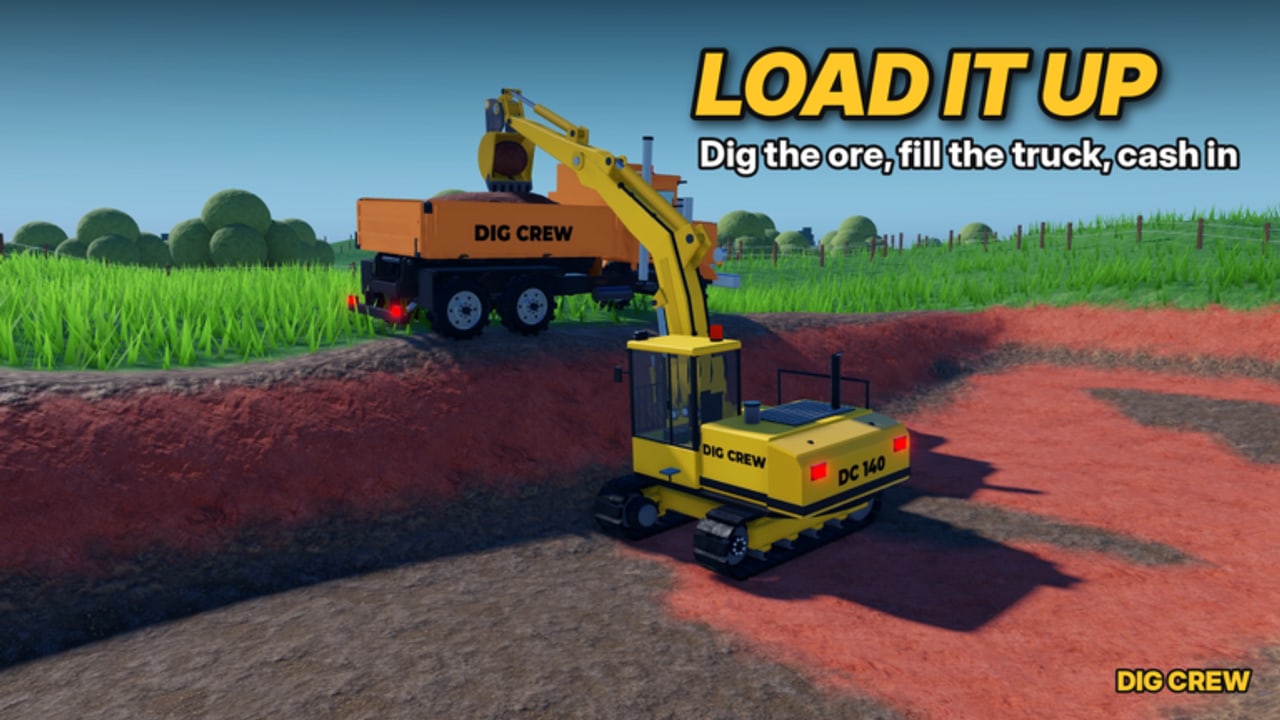
DigCrew lets you hire drivers and draw their haul routes so trucks keep moving while you dig, build, or step away briefly. Official copy lists hiring drivers alongside digging, hauling, and processing as a core pillar—not a side toy. Used well, drivers turn conveyors and full trays into AFK-friendly income. Used poorly, they idle on broken roads, empty fuel tanks, or routes that end in swamp mud.
This guide covers when to hire, how to think about routes, and how to pair drivers with conveyors, processing, and oil logistics. Pair it with Make Money and Machines.
What hired drivers are for
Your time is the scarce resource. Every minute you spend driving a full tip truck to the Railyard is a minute the excavator sits quiet—unless someone else digs. Hired drivers take the haul seat so you can:
- Stay on the dig face filling conveyors or trays.
- Feed crushers and wash plants without abandoning the plant.
- Watch oil pump jacks and fuel while crude still reaches the Railyard.
- Crew with friends where humans dig and AI hauls the boring miles.
Drivers do not replace good roads, fueled trucks, or clear load points. They amplify a loop that already works manually.
When to unlock hiring
Hire after you can manually complete the route without drama. If you still tip over on the first ridge or run dry halfway to the Railyard, fix that before you automate it. A practical gate:
- First Haul done.
- One reliable dig → load → Railyard cycle.
- Fuel staged at both ends.
- Road wide enough for the truck you own.
- Cash buffer so a stuck AI run does not bankrupt upgrades.
Community comments on DigCrew videos often tell new players to hire drivers for deliveries once the basics click. Treat that as mid-early progression, not minute-one advice.
Drawing haul routes that actually finish
Think like a dispatcher:
- Start at a load point the truck can reach—conveyor hopper, dig stockpile, wash output, or oil tank hookup.
- End at the correct Railyard buyer for that cargo (ore vs crude).
- Avoid soft swamp mud with road-tyre trucks; keep to graded paths.
- Leave turnouts so oncoming players do not freeze your AI in a one-lane trench.
- Retest after you dig new holes; pit saves mean yesterday’s perfect road can become today’s cliff.
If a driver stalls, walk the route in a manual truck. Humans notice a half-metre ledge that AI pathing hates. Grade it, then redraw.
AFK-friendly automation with conveyors
The strongest AFK-leaning setup in DigCrew is physical automation:
- Excavator (you or a focused dig session) feeds a conveyor.
- Conveyor fills a waiting dump truck.
- Hired driver runs the haul route to the Railyard.
- Truck returns to the same load point.
- Fuel trailers keep digger, belt power needs, and trucks alive.
That pattern matches how crews buy excavator + conveyor + dump packages in filmed sessions, then layer drivers so the haul is no longer the human bottleneck. Processing plants extend the idea: drivers haul finished product while you keep crush/wash fed—see Processing.
True zero-input AFK still fails if fuel dies or the dig face empties. “AFK-friendly” here means you can step away longer, not that the company prints while every machine is empty.
Drivers on oil and swamp leases
Oil (Dry Flats): Once a pump jack, tank, and oil truck exist, a driver on the crude-to-Railyard route frees you to flatten the next pad or babysit fuel. Do not hire for oil until one manual crude run is clean—see Swamp Oil Farm.
Swamp platinum: Dewater first, keep road tyres off mud, then draw routes only on firm paths. An AI truck stuck in mud is worse than no AI.
Silver Knoll: Hard rock digs may be slow; drivers still help if the haul distance is long, but feed rate must match.
Crew + AI hybrid
On up to eight-player servers, mix roles:
- Player A digs.
- Player B builds plant or oil pad.
- Hired drivers haul finished loads.
- Player C spot-fixes roads and fuel.
Humans should not all fight over the same tip truck while three empty AI seats exist. Conversely, do not hire a fleet you cannot fuel.
Troubleshooting idle drivers
| Symptom | Likely cause | Fix |
|---|---|---|
| Truck never leaves | Bad route start or blocked path | Redraw; clear piles |
| Stops mid-map | Fuel empty or impassable dig | Refuel; grade ledge |
| Returns empty value | Wrong buyer or unloaded | Check cargo and Railyard target |
| Loops forever empty | Dig face starved | Dig or conveyor feed |
| Stuck in mud | Road tyres on swamp | Reroute to firm ground |
Spending priority around drivers
Drivers are not a substitute for Tier List machine choices. Typical order:
- Working excavator and dump.
- Conveyor if loading is slow.
- Hire drivers on the proven route.
- Processing plants once volume is steady.
- Oil pad scaling with tanker drivers.
Check Codes when rewards can shave the hire or fuel budget, then get back to route quality—codes do not fix a broken road.
Related guides
- Controls — keep manual fallback sharp when AI fails.
- Make Money — where drivers sit in the cash timeline.
- Machines — which trucks to put under AI.
- Processing — plant feed and product hauls.
- Swamp Update — lease hazards that break routes.
- Guides Hub — full tutorial index.
Hire drivers when the route is boring and reliable. Draw paths a careful human would still enjoy at midnight, keep fuel topped, and let conveyors erase the loading wait. That is how DigCrew turns a one-truck grind into a company that still earns while you reshape the next pit wall.
Frequently Asked Questions
Quick answers for DigCrew miners and haul crews.
How do hired drivers work in DigCrew?
You hire drivers and draw haul routes so AI trucks carry loads—typically toward the Railyard—while you dig, build, or manage fuel and plants.
When should I hire my first driver?
After you can manually run the same route without getting stuck or running dry. Drivers amplify a working loop; they do not fix bad roads.
Can drivers help with oil crude?
Yes. Once your oil truck can complete a manual Dry Flats to Railyard run, a driver on that route frees you to fuel jacks or build the next pad.
Why is my hired truck idle?
Check fuel, route endpoints, blocked terrain, and whether the load point still has material. Retest the path in a manual truck after big digs—pit saves can create new ledges.